
Dec 4, 2025
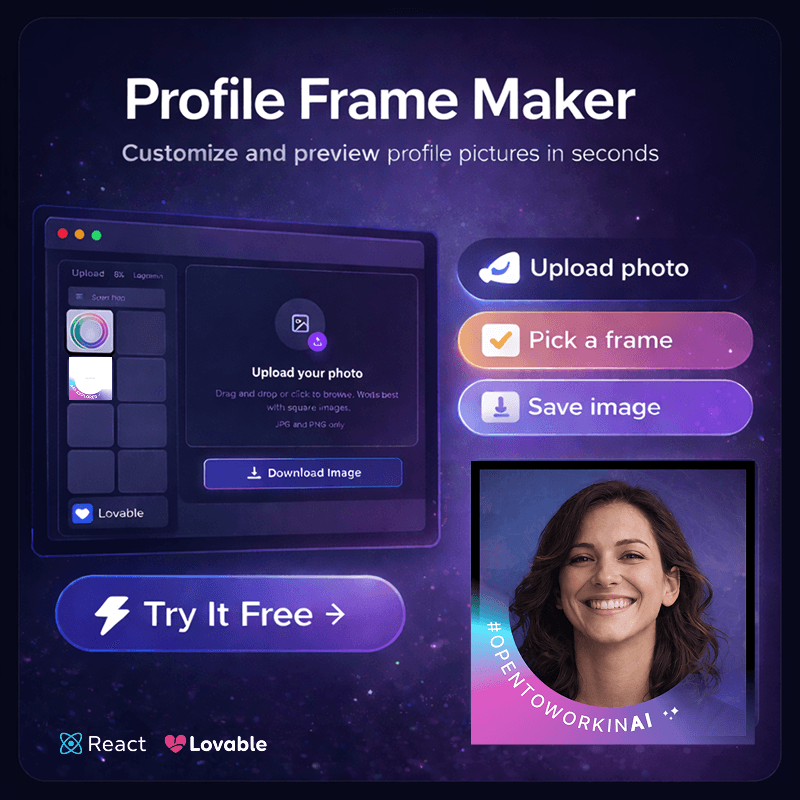
Profile Frame Maker is a simple web application created to test Lovable and explore vibe coding using the free version. The goal was not to build a polished product, but to experiment with fast AI-assisted development and see how quickly a functional front-end app could be generated.
The application runs entirely on the client side. Users can generate and preview a profile frame directly in the browser. There is no backend logic or server processing; everything happens in the front end.
This project was intentionally lightweight. I used half of my free credits on another experiment, so this build focused on simplicity and practicality rather than depth or optimization.
Lovable & React

This project was designed as a first attempt to: Test Lovable’s free-tier capabilities Experiment with AI-led front-end generation Explore what development feels like when operating primarily through an agent Validate how quickly a usable app can be shipped It was intentionally lightweight; a hands-on experiment rather than a production-ready product.
What It Does (User Perspective)
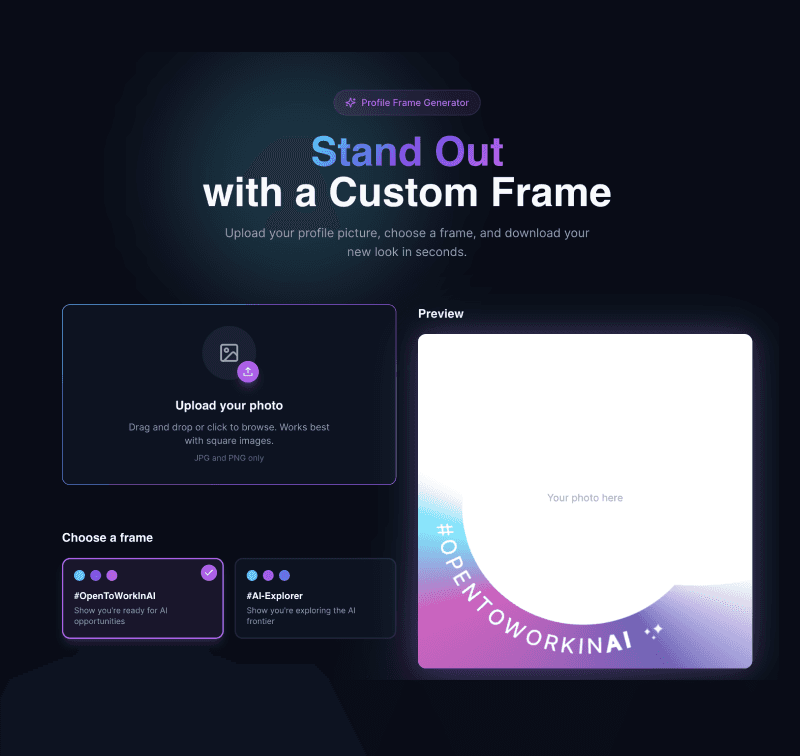
Users can:
Upload an image
Select a frame option
Preview changes instantly
Download the final profile image
Everything runs fully on the client side.
The biggest challenge wasn’t technical complexity; it was constraint.
Using Lovable’s free version meant:
No direct access to the underlying code
Limited ability to edit components or restructure logic
Most changes had to be done exclusively through the AI agent
Half of the free credits were already spent on another experiment
This created an unusual dynamic: I was building as a developer without being able to directly edit the codebase. I had to communicate changes through prompts and accept the generated structure.
In a way, it became an experiment in operating like a regular user, almost like my mom or my cousin explaining what they want the app to do and hoping the system understands.
That constraint was intentional. I wanted to see how far I could go with limited control.


Instead of fighting the limitations, I embraced them:
Kept the application fully front-end and simple
Avoided backend complexity
Focused on core functionality
Adjusted only what was possible through the agent
The goal wasn’t perfection — it was learning through constraint.
What I Learned
This project became a tooling experiment.
I was testing what it feels like to be a developer operating only through an AI interface.
When you can’t directly edit code, you shift from “builder” to “instructor.” You describe intent instead of writing logic. That changes the relationship between developer and tool.
It became a small experiment in constraint:
What happens when a developer can only “ask” instead of “edit”?
I learned that AI can accelerate simple builds and make front-end experimentation fun and accessible. But real flexibility, structure, and optimization still require deeper control and human supervision.